01 / GIT
Review and commit with Git.
Inspect staged and unstaged diffs, stage or discard changes, create commits, and switch branches.
Optional commit-message generation via 9router.
 shumora.
Less window juggling. More room to build.
Run your Pi sessions side by side. Bring your agents together in Council. Review what changed—all from one desktop app.
Download Shumora Explore the workspace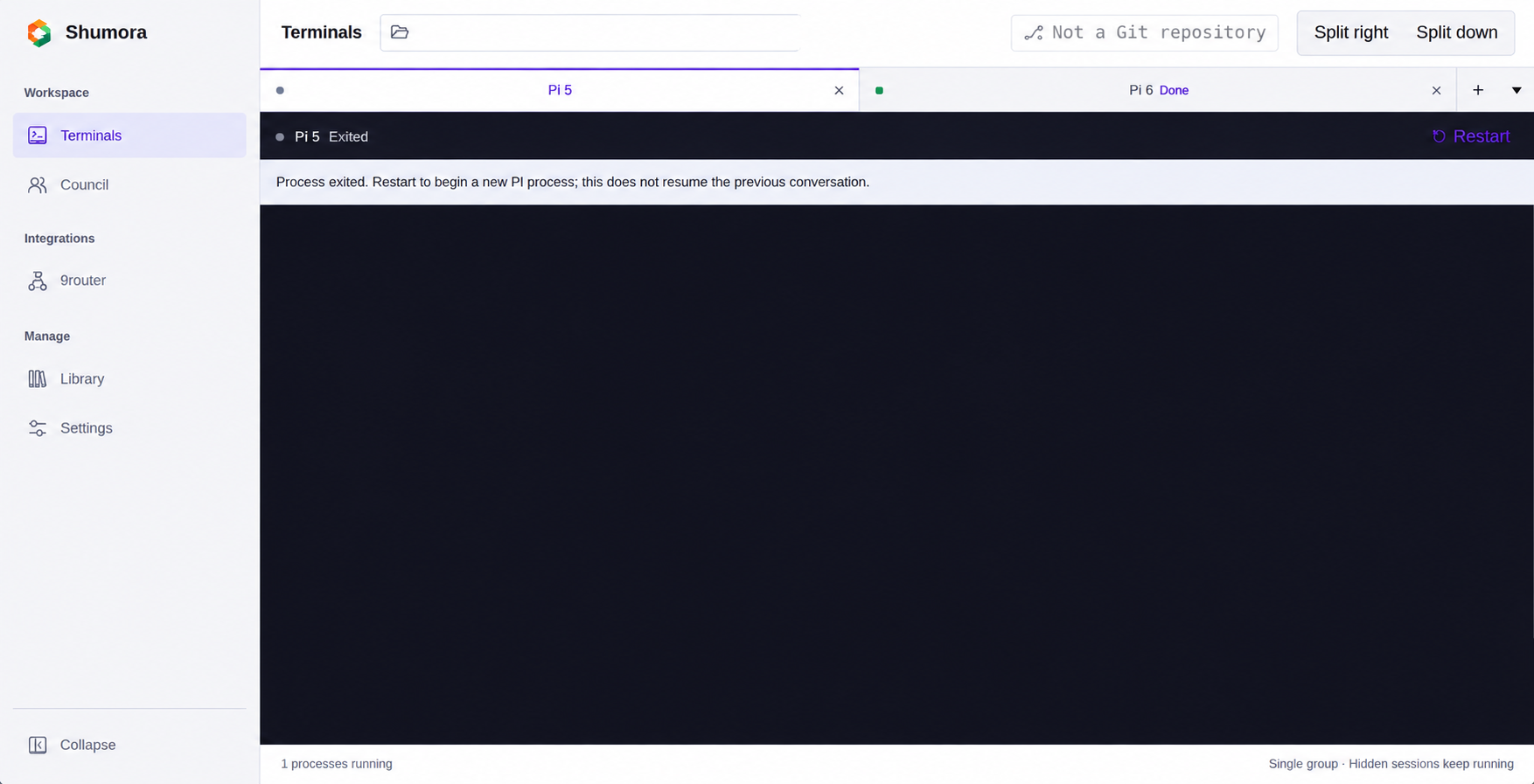
Keep Pi’s terminal experience.
Get a workspace around it.
Your agents keep their own models and context. Council gives them a place to compare perspectives—without handing over the controls.
How Council worksReorder tabs, split right or down, resize panes, and move or merge groups without restarting their terminals.
Choose at least two available Pi agents, set a topic and optional roles, then moderate yourself or let an agent lead.
Pause, resume, stop, or take over Council. Tools are blocked during discussion: recommendations are not executed for you.
Shumora wraps your Pi installation, not replaces it. Keep Pi’s models, credentials, and tools, with the everyday essentials close by.
Inspect staged and unstaged diffs, stage or discard changes, create commits, and switch branches.
Browse extensions, skills, themes, and prompts. Inspect package details and manage supported installations.
Keep gateway status, providers, models, API keys, and managed-service logs close to your workspace.
Install Shumora, configure Pi with a model provider, and choose your project folder.
Start independent Pi sessions. Split your view and give each session room to work.
Bring at least two available agents into Council to discuss a topic. You stay in control.
Inspect the diff, stage what belongs, and commit when you are ready.
Early-stage software. Installers are unsigned unless signing is configured. Sessions and layouts are not automatically restored after exit. See requirements and limitations before installing.